Step One
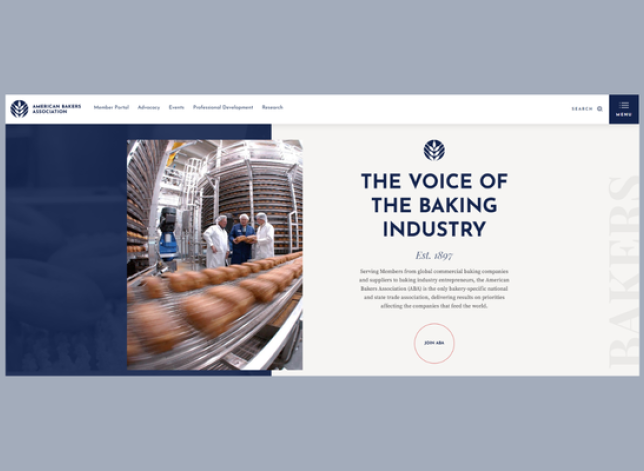
Click the “Login” link in the upper right corner of the navigation bar on the ABA website.
Step Two
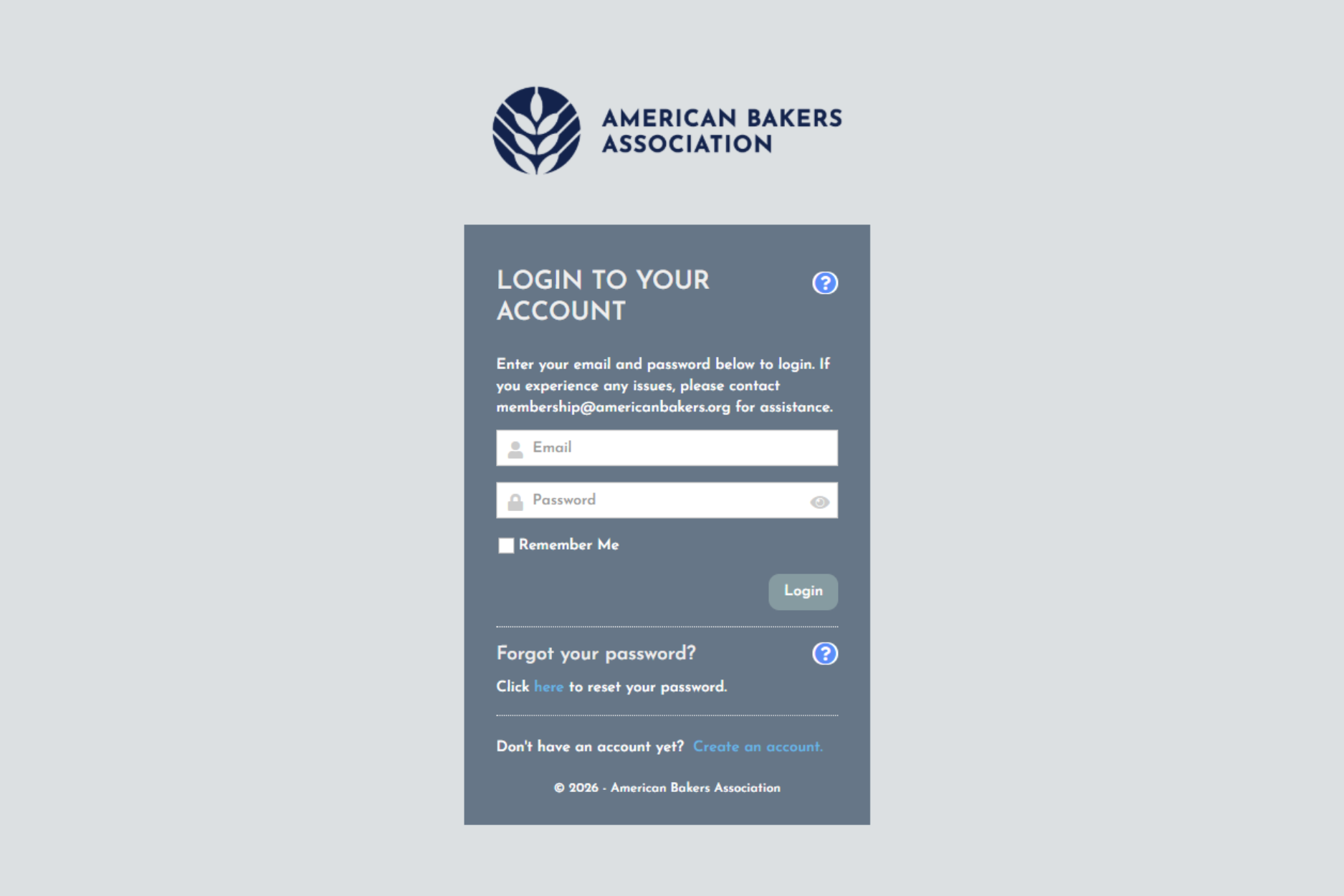
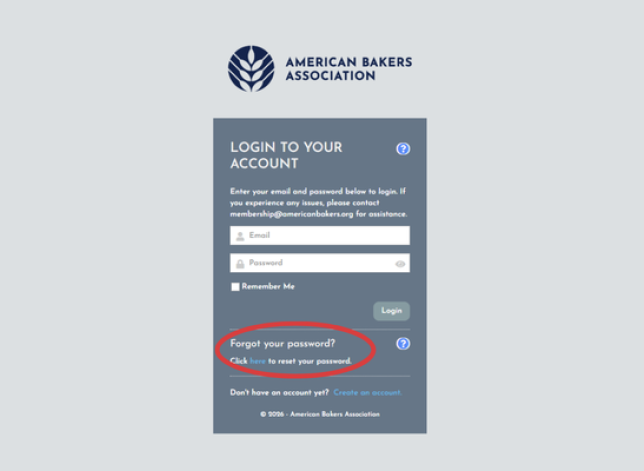
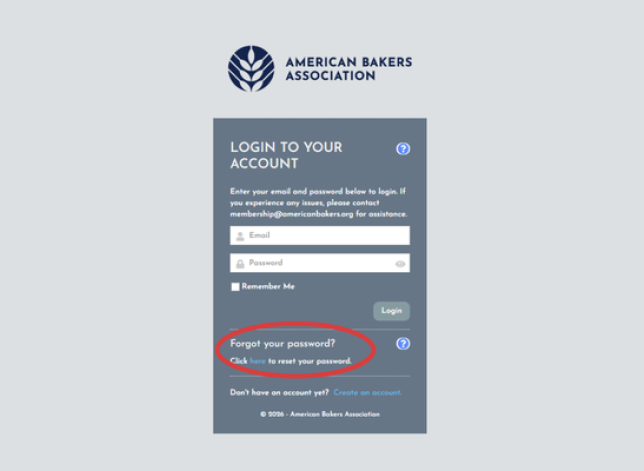
You’ll be directed to the login page where you can enter your username and password. If it is your first time logging into the system, please select “Click here to reset your password.”
Step Three
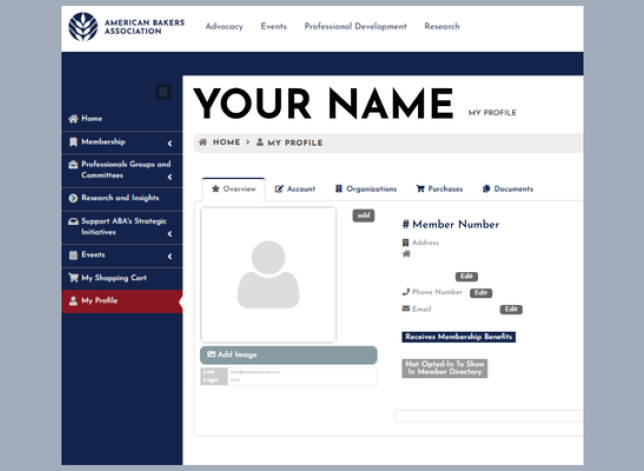
Once you’ve logged in successfully, you’ll be brought to your “My Profile” page.
Accessing Professionals Groups Materials
Step One
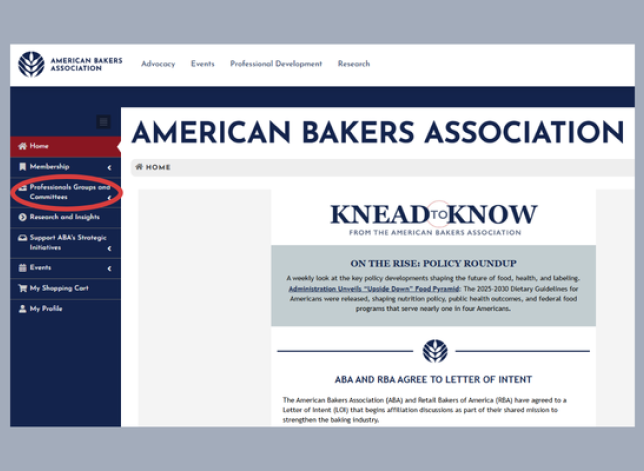
Click “Professionals Groups and Committees” in the blue navigation bar on the left side of the screen.
Step Two
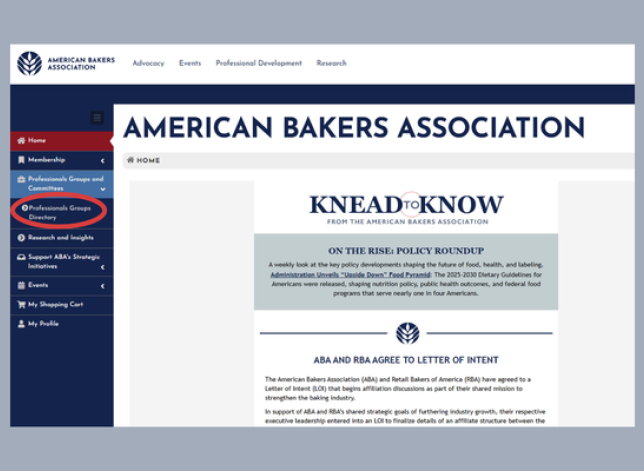
Click "Professionals Groups" Directory.
Step Three
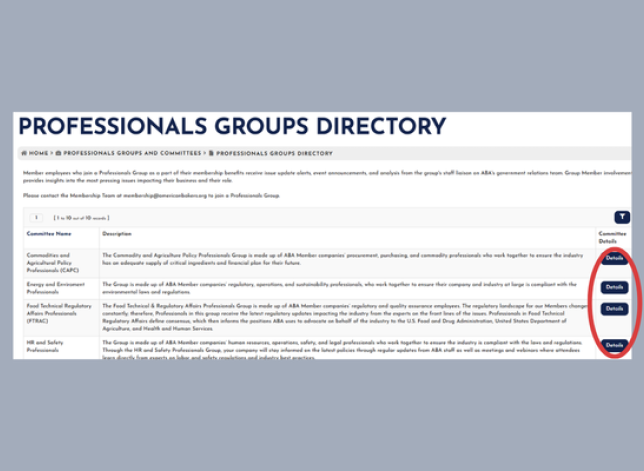
Click “Details” next to Professionals Groups. On the page, scroll down and you will find the Professionals Group’s materials such as working documents, meeting agendas, etc.
Accessing Research and Insights
Step One
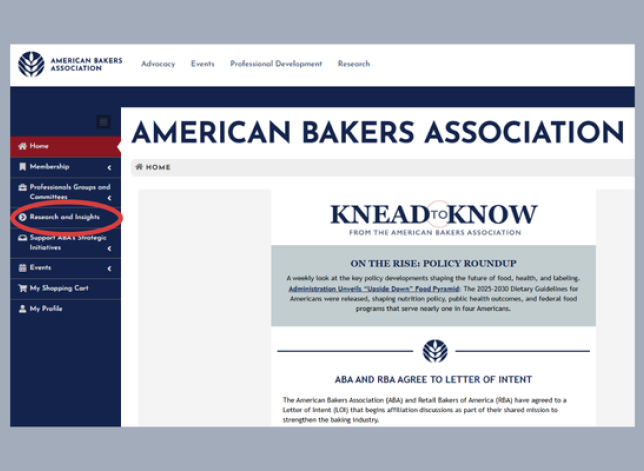
Click on “Research and Insights” in the blue navigation bar on the left side of the screen.
Steps Two and Three
Two:
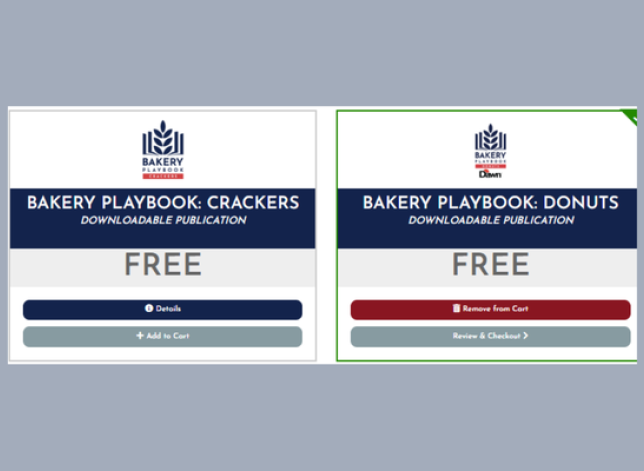
Click “Add to cart” for any studies you are interested in accessing.
Three:
Click “Review & Checkout”.
Step Four
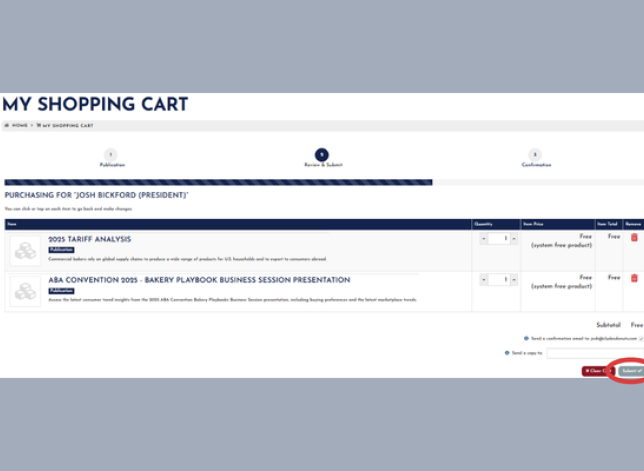
On the "My Shopping Cart" page, click "Submit".
Step Five
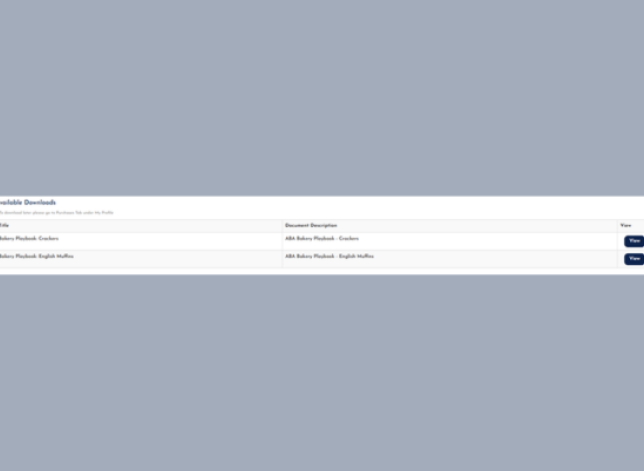
On the “Confirmation” page, click “View” to access and download each study.
Step Six
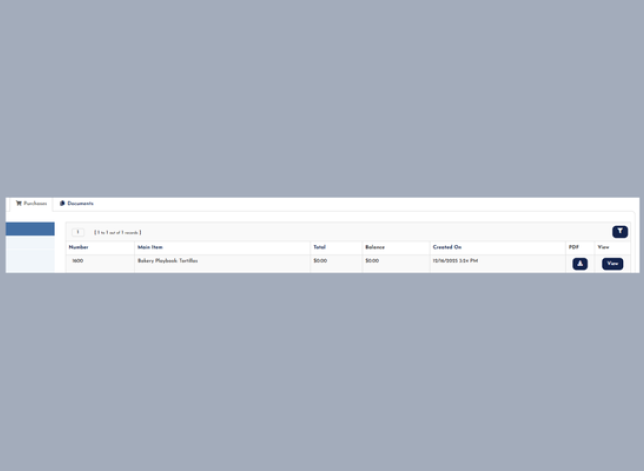
All research you access in the member portal will be available on “my Profile” under “purchases” tab.
Logout
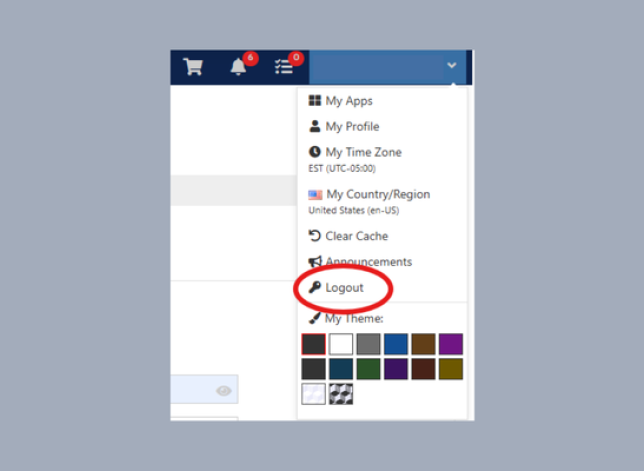
In the top navigation, click the “Logout” link.
Forgot Password
On the Login screen, click the link to reset your password. A password reset link will be sent to your email. Please contact [email protected] if you need assistance resetting your password.
Change Password
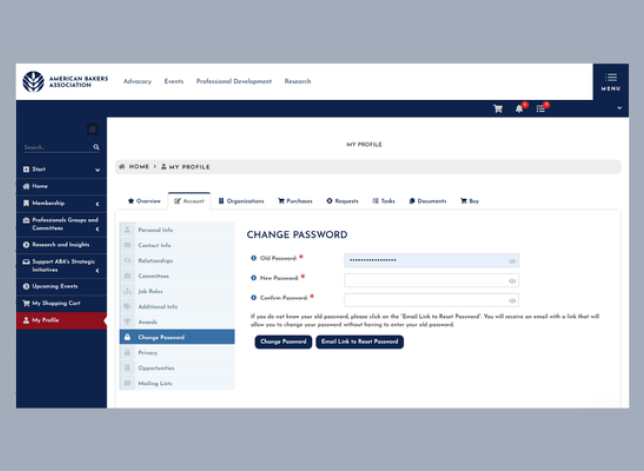
If you are logged in, go to “My Profile” then “Account Tab” then “Change Password”.
Features of the ABA Member Portal
Homepage
View the most recent issue of the Knead to Know Newsletter and the upcoming Events calendar.
My Profile
This is your one-stop shop for managing your personal information with ABA, renewing your outstanding membership dues, and accessing association documents and prior purchases. This is vital to fill out and please, keep this up to date.
Professionals Groups and Committees
Access a comprehensive list of all of ABA’s Professionals Groups. ABA’s Professionals Groups bring together the collective knowledge and experience of our Members’ issues experts to explore, develop, and align the baking industry’s priorities. Groups are open to all employees of ABA Member Companies. Find Professionals’ Groups meeting materials and working documents in the portal. If you are a member of the Board of Directors or a committee, you will also have access to committee materials in the portal.
Baking Works Sponsorships
Looking to support ABA’s workforce development platform? Purchase a 6 or 12-month BakingWorks sponsorship for your organization.
Donate to the Political Education Fund
American Bakers Political Education Fund supports the commercial baking industry’s efforts to build business coalitions, enable grassroots action, and empower political outreach and education. These voluntary member company resources enhance ABA’s advocacy efforts. ABA’s Political Education Fund may accept corporate funds.
Frequently Asked Questions
How do I access the portal?
Click the “Login” link in the upper right corner of the navigation bar on the ABA website. Alternatively, navigate to portal.americanbakers.org
You’ll be directed to the login page where you can enter your username and password. If it is your first time logging into the system, please select “Click here to reset your password.”
Once you’ve logged in successfully, you’ll be brought to your “My Profile” page.
What is my username?
Your username is your work email address.
What is my password?
Click the “Login” link in the upper right corner of the navigation bar on the ABA website. Alternatively, navigate to portal.americanbakers.org
Your portal password will be self-created. If it is your first time logging into the system, please select “Click here to reset your password” to set-up your password.
If you forgot your password, please select “Click here to reset your password” to receive email instructions on how to reset your password.
I am a new employee at an ABA member company. How do I sign up for the portal?
If you are a new contact at an ABA member company, click “Create an Account” to get started.
What will I use the member portal for?
The portal will give members one central place to:
- Manage your membership and update company information
- Update your contact information
- Access member-exclusive research
- Access Professionals Groups materials (working documents, meeting agendas, etc.)
- Learn more about upcoming events and programs
- Stay informed about ABA’s strategic initiatives and engagement opportunities
Primary contacts (Governors) and Secondary Contacts (Alternates), will also:
- Renew your company’s ABA membership
- Become a BakingWorks.org sponsor
- Update your company's contact roster
Who has access to the portal?
All employees at active ABA member companies have access to the ABA Member Portal.
Your contact information and company dues information in the ABA member portal is private and cannot be viewed by other members or non-members.
Not sure if you have access? Contact [email protected] to confirm your organization’s membership status.
Who can I contact for assistance?
Our Membership Team is here to assist you! Please contact them at [email protected] or call 202-789-0300 during business hours.